iPhone Editor
the
A 40+ minute free training to make your iPhone photos look cleaner, softer, and more intentional — in minutes.
If your photos are almost there… but something feels off (too bright, too flat, weird colours, harsh light), this training will give you a calm, repeatable way to edit using the tools already on your phone.
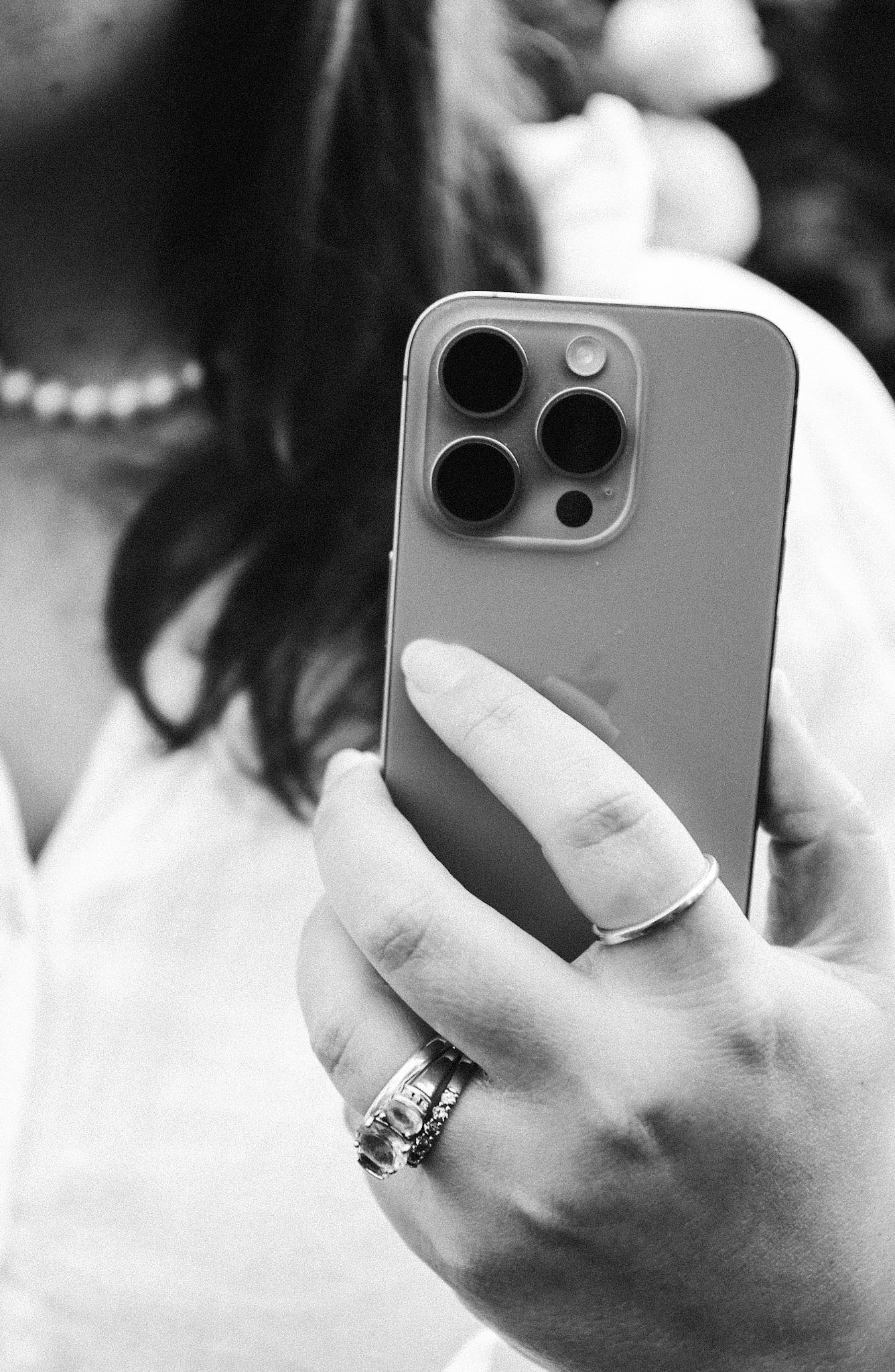
What You’ll Learn
A simple editing order you can repeat every time
A clear understanding of what the tools actually do
Real examples across different types of photos
Confidence to edit without overthinking
Your iPhone is powerful,
editing just feels confusing.
Most people aren’t ‘bad at editing’ — they’re just guessing. This training shows you what to adjust first, what to ignore, and how to stop before your photos look overdone.
The nuts and bolts of what’s included in this free, super valuable training:
-
Use the iPhone editor to fix common issues (blown highlights, dull tones, indoor lighting)
Edit for different real-life situations: family photos, travel, food, interiors, and small business content
Make subtle changes that create a big “polished” difference
Copy and paste edits across multiple photos for consistency
Know when the iPhone editor is enough — and when Lightroom Mobile is the next step
-
This training is for you if…
You take photos of your life and want them to look a little more elevated
You’re a small business owner capturing products, spaces, or behind-the-scenes content
You love taking photos, but editing feels random and inconsistent
You want a simple process — not a new hobby that requires five apps
-
You’ll get instant access to:
✅ The iPhone Editor training (40+ minutes)
A guided lesson with real, step-by-step edits across multiple images and lighting conditions.✅ Companion workbook (downloadable)
Cheat sheet + editing checklist + before/after practice pages + “Does this need Lightroom?” decision guide.✅ Bonus: A gentle introduction to The Hobbyist Photographer
So you can explore what’s next — with no pressure.
Start learning, it's free.
✦
Start learning, it's free. ✦
Free
A calm, practical introduction to editing photos using your iPhone’s built-in editor. In this free training, you’ll learn how to make small, intentional adjustments that elevate your photos without over-editing or overwhelm. We focus on understanding what each tool actually does, so you can edit with confidence, consistency, and restraint. Designed for beginners, hobbyists, and anyone who wants cleaner, more considered photos — using the tools you already have.
Lifetime
Access
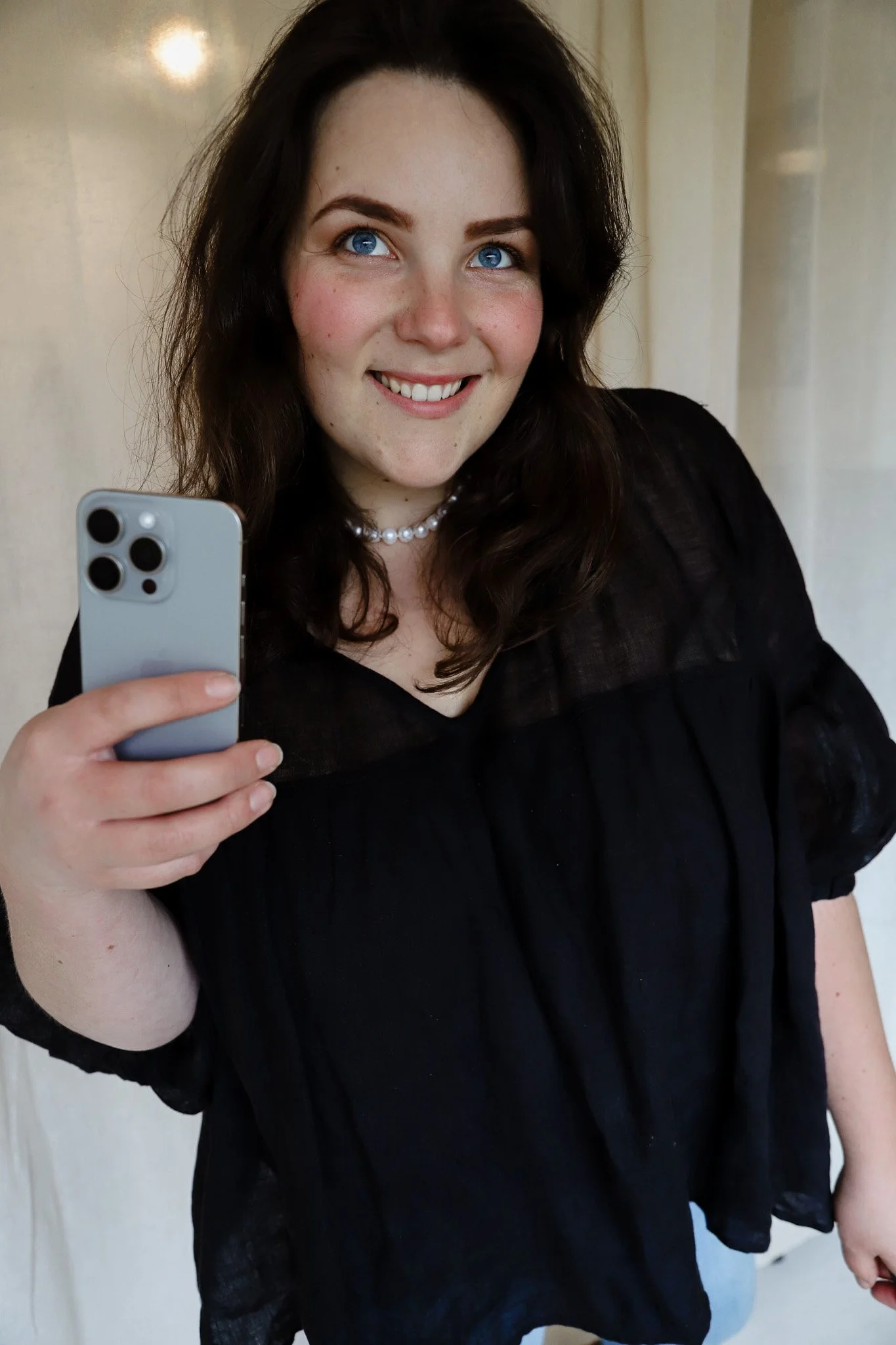
Hi, I’m Georgie — a multi-creative photographer, writer and educator. I believe creative skill is one of the most valuable things you can build in a changing world — not as a trend, but as a tool for confidence, self-expression, and opportunity. After leaving my 9–5 in 2020 with a $200 camera, I went on to work with 200+ clients across Australia and overseas, and become published in top magazines. Through The Creative’s Toolkit, I now teach practical creative skills to help you create beautiful work – and forge modern careers on your terms.